How to Become an Embroidery Digitizer — A Complete Beginner's Guide (2026)
Lisa Wilson
Author
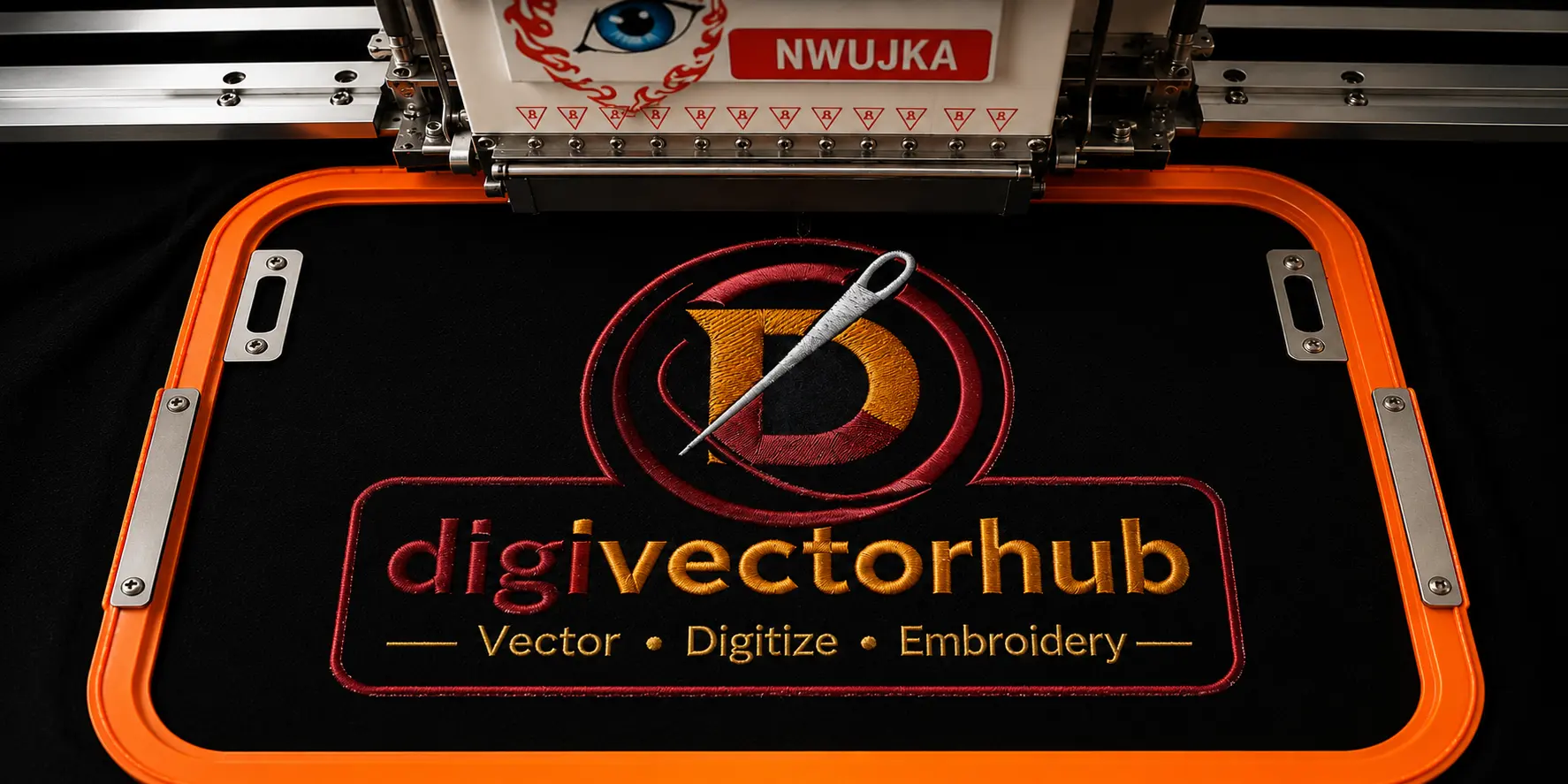
Have you ever looked at a logo stitched perfectly on a polo shirt, cap, or jacket and wondered how did that get there?
Behind every clean, professional embroidery design is a skilled person called an embroidery digitizer. They are the ones who transform a flat image or logo into a set of digital instructions that tell an embroidery machine exactly where to stitch, how deep, and in what direction. The best part? This is a skill anyone can learn — and in 2026, it is one of the most in-demand creative skills in the USA, Lets Start.
What is Embroidery Digitizing?
In simple words, embroidery digitizing is the process of converting artwork — like a logo, text, or illustration into a digital file that an embroidery machine can read and stitch.
Think of it like this:
A graphic designer creates a logo in PNG or PDF format
An embroidery digitizer takes that logo and converts it into a stitch file (like DST or PES)
The embroidery machine reads that file and stitches the design onto fabric
Without digitizing, no machine embroidery is possible. Every hat, uniform, jacket patch, or branded shirt you see with stitched artwork had to go through this process first.
It is very different from regular graphic design. A graphic designer works with pixels and colors. A digitizer works with stitches, density, direction, and fabric behavior which requires a completely different type of thinking.
Can Anyone Learn This Skill?
Yes absolutely, You do not need a degree in fashion or textile design. You do not even need experience in graphic design. What you do need is:
Patience and willingness to practice
A basic understanding of how sewing works
Access to digitizing software (more on this below)
A computer with decent processing power
Most beginners start seeing results within 4 to 8 weeks of consistent daily practice. Getting truly professional takes around 6 to 12 months, but you can start taking small freelance orders much sooner.
Step 1 — Understand Embroidery Basics First
Before you open any software, spend time understanding how embroidery actually works. This foundation will make everything else much easier.
Satin Stitch
This is a smooth, shiny stitch used for outlines, text, and narrow shapes. It gives a clean, professional finish and is great for small logos.
Fill Stitch
Also called tatami stitch, this is used to fill large areas of a design. It creates a flat, woven texture across bigger sections like a background or large shape.
Running Stitch
The most basic stitch — a simple line of thread. Used for fine details, outlines, and underlay work that sits beneath other stitches.
Bean Stitch
A back-and-forth running stitch that creates a bolder line. Great for outlines that need more thickness and visibility.
Beyond stitches, you also need to understand:
Fabric types — stretchy fabrics like jersey behave differently than stiff canvas or denim
Stabilizers — the material placed under fabric to prevent stretching during stitching
Hoop sizes — different designs need different hoop placements
Thread colors — how Pantone colors translate into embroidery thread shades
You can find free YouTube tutorials on all of these topics before spending a single dollar on software.
Step 2 — Choose the Right Digitizing Software
Your software is your main tool. Choosing the right one from the beginning saves you a lot of time and frustration.
Here is an honest breakdown of what is available in 2026:
Wilcom EmbroideryStudio
The industry gold standard. Used by professional digitizing companies worldwide including many USA-based services. It has the most features, the best stitch quality output, and the steepest learning curve. It is expensive — but worth it for serious professionals.
Hatch Embroidery
Made by Wilcom, but designed specifically for beginners and small businesses. It is much easier to learn than the full EmbroideryStudio and is subscription-based, making it more affordable. This is the best choice for most beginners in 2026.
Brother PE-Design
Ideal if you already own a Brother embroidery machine. It works seamlessly with Brother equipment and is straightforward to use for basic designs.
Embird
A modular, affordable option that has been around for decades. It is not the prettiest software but it is reliable, lightweight, and budget-friendly for freelancers starting out.
Ink/Stitch
A completely free, open-source digitizing plugin that works inside Inkscape. The quality is limited compared to paid tools, but it is a great way to learn the basics without spending money.
Which one should you start with?
If budget is not a concern — go with Hatch Embroidery. If you want to start free — use Ink/Stitch to learn the concepts, then upgrade later.
Step 3 — Learn the Software Properly
Having the software installed is just the beginning. You need to actually learn how to use it.
Here is a practical learning roadmap:
Week 1 to 2: Watch official YouTube tutorials for your chosen software. Most brands have their own channels with free full-length tutorials.
Week 3 to 4: Follow along with beginner projects. Start with simple text digitizing — it teaches you stitch direction, density, and underlay all at once.
Week 5 to 8: Move on to simple logo digitizing. Take a flat PNG logo and convert it into a stitch file manually.
Week 9 to 12: Practice on complex designs. Multi-color logos, gradients, fine details.
Beyond 3 months: Start taking small paid projects to get real-world experience with client feedback.
Free resources worth bookmarking:
YouTube channels dedicated to Hatch and Wilcom tutorials
Facebook groups like "Embroidery Digitizing for Beginners"
Reddit communities focused on machine embroidery
The official Wilcom and Hatch learning portals
Paid courses on Udemy and Skillshare can also accelerate your learning significantly if you prefer structured teaching.
Step 4 — Master Embroidery File Formats
Every embroidery machine reads a specific file format. As a digitizer, your job is to deliver the right format for the right machine. Here is what you need to know:
DST — Tajima Format
The most universal format in the industry. Almost every commercial embroidery machine accepts DST files. If a client does not specify a format, DST is almost always a safe default.
PES — Brother Format
Used specifically by Brother embroidery machines, which are extremely popular for home and small business embroidery in the USA.
EMB — Wilcom Native Format
The native file format of Wilcom software. It retains the most editing information and is commonly shared between professional digitizers.
JEF — Janome Format
Designed for Janome brand machines. Similar in purpose to PES but specific to Janome hardware.
XXX — Singer Format
Used by Singer brand machines. Less common than DST or PES but still requested occasionally.
Pro tip: Most professional digitizing services, including DigiVector Hub, deliver in all formats — giving clients full flexibility regardless of which machine they own.
You should also understand how to convert between formats using tools like Embird or online format converters, as clients frequently request specific formats after the initial order.
Common beginner mistakes to avoid:
Setting stitch density too high (causes thread breaks and fabric puckering)
Forgetting to add underlay stitches beneath fill areas
Not testing the design on actual fabric before delivering
Ignoring pull compensation, which causes design distortion on stretchy fabric
Making designs too small — fine details get lost under 1 inch
Every mistake is a learning opportunity. Keep a folder of your practice files and look back at your progress every month. You will surprise yourself.
Step 5 — Build a Strong Portfolio
Before you approach any client, you need a portfolio that shows what you can do.
Your portfolio does not need to be huge — even 10 to 15 high-quality samples are enough to start getting paid work.
What to include:
Before (original artwork) and after (stitched result or software preview) comparisons
Variety of design types — text, logos, patches, detailed artwork
Different fabric types — cap embroidery, left chest, jacket back, etc.
Close-up photos of physical stitched samples if possible
Where to showcase your work:
Behance — The best platform for creative professionals. Creates a clean, searchable portfolio that ranks on Google.
Instagram — Visual platform perfect for embroidery work. Use relevant hashtags like #embroiderydigitizing and #customembroidery to get discovered.
Pinterest — Embroidery is hugely popular on Pinterest. Pin your before/after images and link them back to your profile or website.
Facebook Groups — Join embroidery and small business groups and share your work genuinely. Avoid spamming — focus on being helpful.
LinkedIn — Great for reaching corporate clients who need uniform digitizing or branded merchandise.
Step 6 — Start Freelancing and Finding Clients
Once your portfolio has at least 10 samples, you are ready to start earning.
Fiverr
The easiest place to get your first clients. Create a gig specifically for embroidery digitizing service, use keywords buyers search for, and deliver excellent quality on your first few orders to build reviews quickly.
Upwork
Better for larger, ongoing projects. Create a detailed profile highlighting your software skills and the file formats you deliver.
PeoplePerHour
Popular with UK and European clients but also used by USA businesses. Good for finding recurring digitizing work.
Direct Outreach
Contact local embroidery shops, uniform suppliers, sports teams, and promotional products companies directly. Many of them outsource digitizing and would prefer a reliable freelancer over a big agency.
How Much Can You Earn as a Digitizer?
According to industry reports, the global embroidery market is expected to reach $7.41 billion valuation by 2033 — making digitizing skills more valuable than ever..
Here is a realistic income breakdown:
Beginner (0–6 months): $300 – $800 per month part-time
Intermediate (6–18 months): $1,500 – $3,000 per month
Experienced (2+ years): $4,000 – $8,000+ per month
Running a digitizing service business: $10,000+ per month
Many experienced digitizers also earn passive income by selling pre-made design packs on platforms like Creative Fabrica, Etsy, or their own websites.
The demand for professional digitizing is not slowing down. With the growth of custom apparel, branded merchandise, and print-on-demand businesses, skilled digitizers are in higher demand than ever.
Common Mistakes Beginners Make (And How to Avoid Them)
Even talented beginners fall into these traps. Knowing them in advance saves you months of frustration:
Wrong stitch density: Too tight and the fabric puckers. Too loose and the design looks thin. Always do a test stitch before delivering.
Skipping underlay: Underlay stitches are the foundation beneath your main stitches. Without them, designs look flat and poorly attached to fabric.
Ignoring fabric stretch: A design that looks perfect on canvas may distort completely on a stretchy polo shirt. Always consider the fabric your client is using.
No test run: Never deliver a file you have not previewed in the software simulator at minimum. Whenever possible, do a physical test stitch on similar fabric.
Poor client communication: Always ask for the embroidery machine brand, fabric type, and exact size before starting. These details completely change how you digitize.
Tools and Equipment You Need
You do not need a lot to get started. Here is the essential list:
Must-have:
A reliable computer (Windows preferred for most digitizing software)
Digitizing software (Hatch, Wilcom, or Embird)
Good monitor with accurate color display
Nice to have:
A graphics tablet for more precise control when manually placing stitches
An embroidery machine for physical testing (not required to start freelancing)
Color reference guide for matching thread colors to client artwork
Free tools:
Ink/Stitch plugin for Inkscape (free digitizing)
GIMP or Photoshop for cleaning up artwork before digitizing
Canva for creating portfolio presentation graphics.